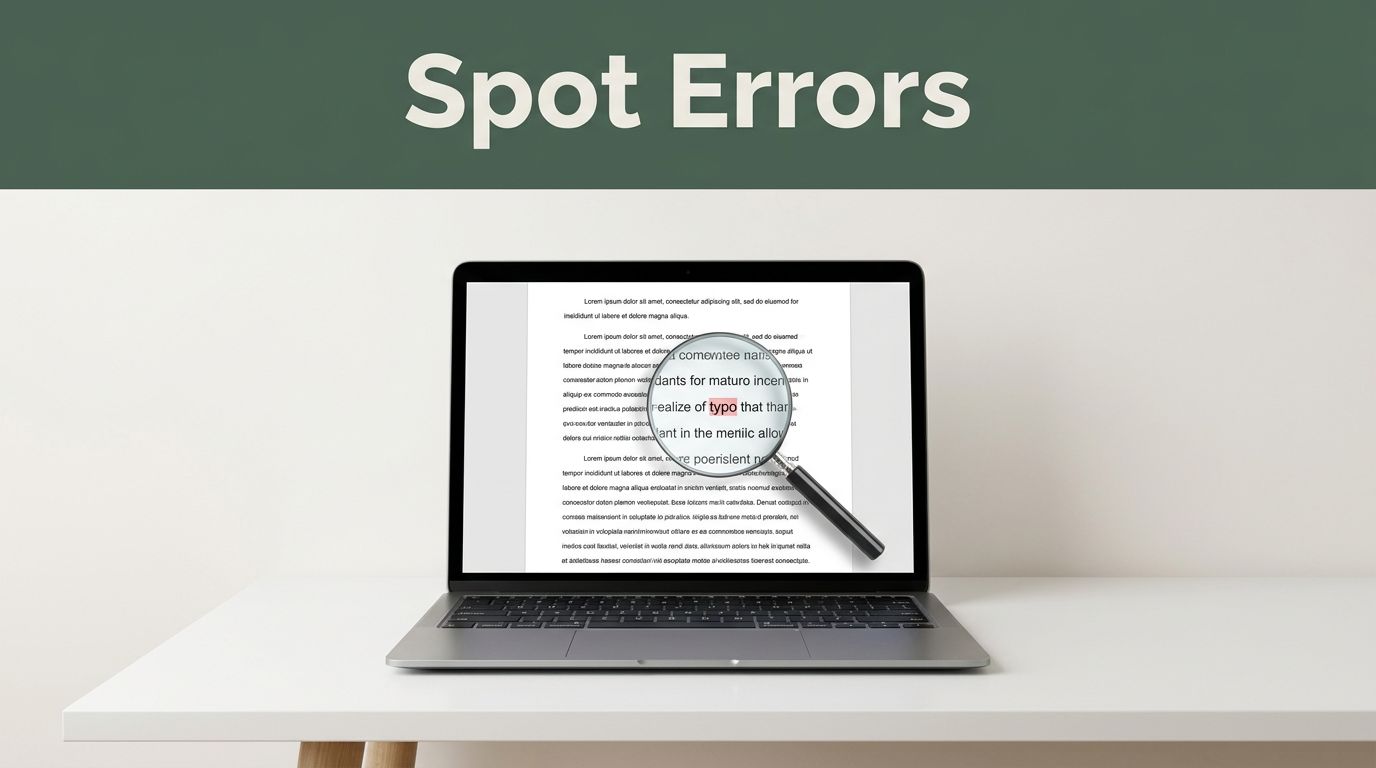
A single typo in an email once cost a major brand millions in lost deals. You know the feeling. You hit send, then spot that “your” instead of “you’re.” Everyone makes these slips, especially in quick digital notes, blogs, or posts.
In 2026, with AI helpers everywhere, spotting and fixing writing errors quickly saves time and builds trust. Your words look sharp, readers stay engaged, and you avoid embarrassment. This post covers top mistakes from recent trends, simple spotting tricks, fast fixes, and tools that scan in seconds.
Ready to polish your writing without hours of hassle?
The Top Writing Mistakes Everyone Makes in 2026
Trends show grammar slips top lists for emails, blogs, and social posts. Readers notice fast. Poor subjects in emails get ignored. Blogs flop without outlines or real SEO focus. Social content feels generic without platform tweaks. These errors hurt reach and trust. Let’s break down the big ones.
Grammar and Punctuation Mix-Ups That Sneak In
Rush causes most grammar goofs. Think “it’s” for “it is” versus “its” for ownership. Or “Lets eat grandma” becomes deadly without that apostrophe and comma: “Let’s eat, Grandma.”
Emails suffer most, per 2026 data. Typos make you seem careless. Comma splices join full sentences without help, like “I love coffee it’s my favorite.” Add a period or “and.” For more examples, check 8 common bad grammar fixes. These sneak in during fast typing on phones.
Sprawling Sentences That Confuse Readers
Long sentences over 20 words ramble and lose people. Mobile readers skim, so short wins. Take this: “The meeting which was supposed to start at nine but then got delayed because of traffic was finally held at noon.” Split it. “The meeting started late. Traffic delayed it from nine to noon.”
Blogs and emails pack too much. Readers bounce. Aim for punchy lines. Shorter ones boost clarity by 30 percent in tests.
Passive Voice That Drains Your Writing Energy
Passive hides who acts. “The report was written by the team” feels weak. Flip to “The team wrote the report.” Spot “was,” “by,” or “done.”
Formal writing loves it, but active grabs attention. Emails and posts sound unsure otherwise. Active voice cuts words and adds zip.
Jargon and Keyword Overload That Turns Readers Off
Buzzwords like “utilize” instead of “use” bore folks. SEO stuffing repeats “best tools” awkwardly. Search engines spot it now and drop rankings.
Plain talk fits audiences. Blogs ignore user needs and write for bots. Swap fancy for simple. Readers stick around longer.
Weak Structure and No Clear Purpose
Jumbled ideas jump topics. No outline leads to repeats or drifts. Emails skip addresses, risking fines. Social posts reuse content across platforms without tweaks.
Trends stress scannable formats. Bullets help, but plan first. State your goal upfront. Match reader needs for better flow.
Smart Tricks to Spot Errors in Seconds
Tools shine, but your eyes catch nuance. Start manual for speed. These methods work before AI. Practice builds habit. You’ll scan drafts in under a minute.
Read Aloud and Use the Red Flag Scan
Read your text out loud. Ears catch clunky rhythm from run-ons or jargon. Stumbles mean fixes needed.
Scan for flags next. Hunt repeated words, “was” clusters, or lines over 20 words. Read backward for spelling. Change font or print to see fresh. Phones demand short paras, so check that too.
Build Your Quick-Proof Checklist
Make a five-point list. Run it fast.
- Grammar: Flag apostrophes, commas.
- Length: Count words per sentence.
- Voice: Swap passives.
- Flow: Add transitions like “however.”
- Fit: Does it suit readers?
Tweak for emails versus blogs. Use it after drafts. Human checks beat auto alone.
Easy Fixes to Clean Up Your Writing Right Away
Pair tricks with changes. Batch edit: write, wait a day, revise. Practice speeds you up. Tight writing ranks higher in 2026 searches.
Turn errors into strengths. Before-after shows power.
Turn Passive into Punchy Active Voice
Find “by” or “was.” Flip the subject.
Before: “Mistakes are made by writers every day.”
After: “Writers make mistakes every day.”
Steps:
- Spot passive cues.
- Name the doer first.
- Drop helpers like “was.”
Energy jumps. Readers connect faster.
Slash Words and Add Smooth Transitions
Cut fluff. Test: Can a kid explain it? Trim 20 percent.
Before: “In addition, because of the fact that it was raining, the event was postponed.”
After: “Rain postponed the event.”
Add links: “also,” “but,” “next.” Flow improves. “However” contrasts ideas. Natural keywords fit now.
Game-Changing Tools for Instant Proofreading
AI tools scan seconds in 2026. Free versions handle basics. Paid add depth. Start free, upgrade as needed. Always review suggestions yourself.
Grammarly leads with unlimited free grammar, spelling, and tone checks. Works in browsers, apps, emails. Premium at $12 a month adds plagiarism and style.
ProWritingAid dives deep into reports for blogs. Free limited to 200 words; yearly $70 unlocks all. Great for long pieces.
Hemingway highlights passives and longs in bold. Free online, simple focus on readability.
QuillBot and LanguageTool offer free multilingual checks. For comparisons, see 12 best proofreading tools tested.
| Tool | Free Limits | Paid Price | Best For |
|---|---|---|---|
| Grammarly | Unlimited basics | $12/mo | Emails, all-purpose |
| ProWritingAid | 200 words | $70/yr | Blogs, style |
| Hemingway | Full free | None | Readability |
| QuillBot | Unlimited | $20/mo | Quick paraphrases |
Pick one today. Run AI first, then your checklist. Trends blend both for pro results. Visit Grammarly’s site to try.
Spotting errors starts with awareness. Use tricks like reading aloud, checklists, and tools such as Grammarly. Fix fast with active voice and cuts. Your writing sharpens in minutes.
Apply one tip to your next email or post. Share your before-and-after in comments. What error trips you up most? Subscribe for more tips on clear writing. In 2026’s busy world, clean words win every time.